
Office Relocation: A Four-Week Plan That Keeps the Business Running
Four weeks, four workstreams, one move date. The sequence that lets a team pack up on Friday and work on Monday.
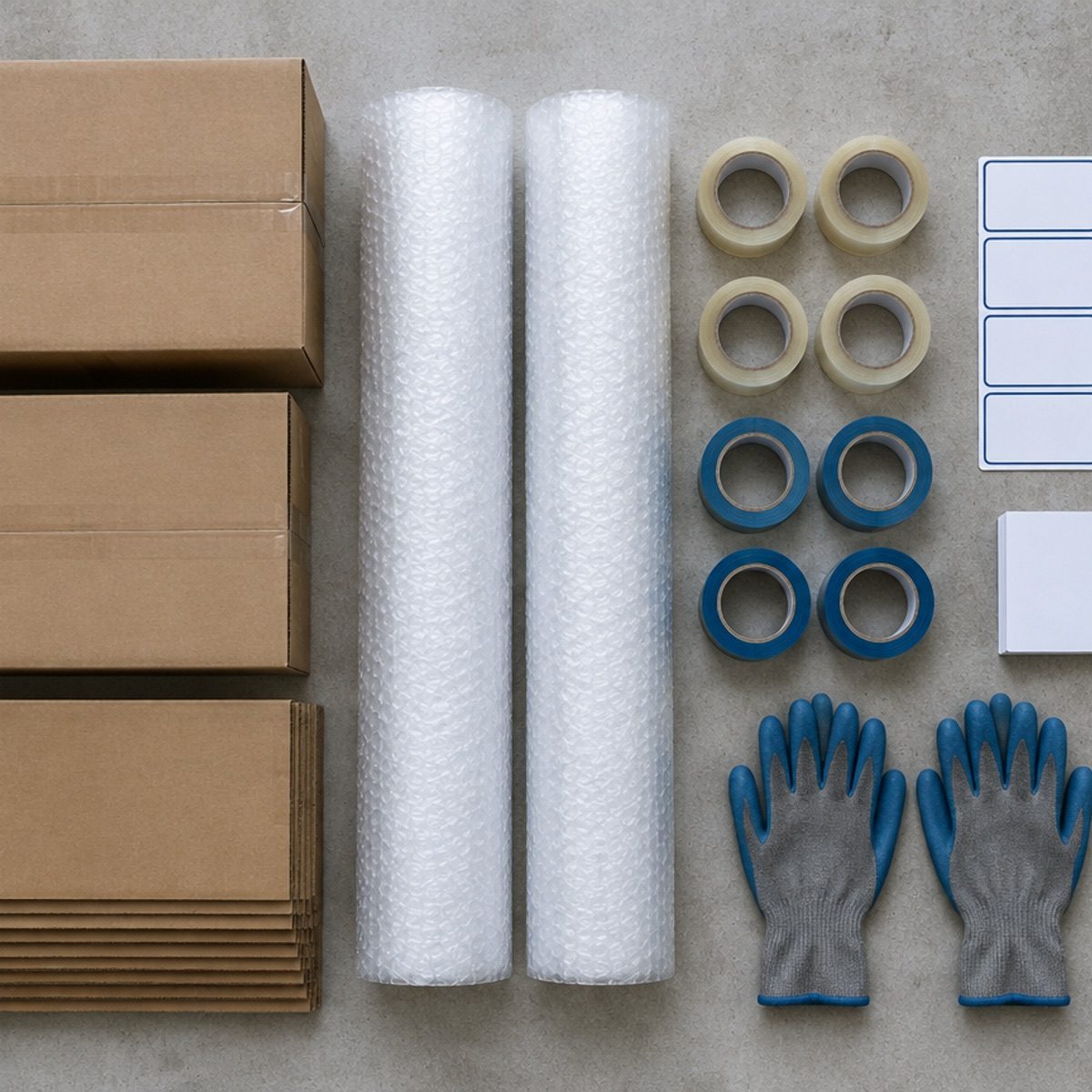
An office move is a project with four parallel workstreams: physical goods, IT and connectivity, building access, and the people who have to keep working throughout. Most failed moves are not packing failures — they are sequencing failures, where the network arrives three days after the desks do. This is the order we work to.
Week 1: decide, document, declare
Fix the move date and work backwards. Anything that requires a landlord, a vendor or a service provider gets booked in this week, because those are the only things you cannot compress later.
Then create three documents:
- Seat plan. Who sits where in the new layout, by team, with a buffer for growth.
- Inventory. Furniture, IT assets, files, pantry equipment, plants — counted, not estimated.
- Dependency list. Internet circuits, electricity connection, lift bookings, gate permissions, signage, and the AC installation date.
Announce the date to the team in week one. Moves that are announced late create personal scheduling conflicts that a manager cannot solve.
Week 2: the technical workstream
IT is the critical path in almost every office move. Circuits are leased lines with lead times measured in weeks, and no amount of packing efficiency compensates for a missing connection.
In week two: order or transfer the internet circuit, confirm the firewall and IP plan with your IT provider, schedule server or NAS relocation, and decide what moves and what is replaced. A move is the cheapest moment to retire ageing hardware rather than paying to transport it.
For telephony, decide whether numbers follow the circuit or move to cloud. For access control and CCTV, confirm whether the new premises have existing systems you can take over.
Test assumption: ask the new building what the actual upload speed is at your floor during business hours, not what the brochure claims.
Week 2 and 3: AC, electrical and civil
Air conditioning in a new office is frequently the last thing booked and the first thing to delay occupancy. Cassette and ducted systems need installation, testing and often a day of ceiling work.
Sequence in the new space: civil work and painting, then electrical points and data cabling, then AC installation, then deep cleaning, then furniture. Installing AC before painting means cleaning filters twice; installing furniture before AC means protecting everything during the work.
If the premises come with existing units, get them inspected and serviced before handover day — not after. A unit that has sat unused for a year needs coil cleaning and a drain check before a team of twenty sits under it.
Week 3: packing with a labelling system
Office packing fails when it is done by department without a shared label system. Adopt one scheme and enforce it:
Zone (floor or wing) — Team — Carton number — Contents — Priority.
Example: Z1-Finance-014-invoices/archives-P2. The crew can then unload by zone and priority rather than reading every label.
Priority 1 cartons — the ones needed to work on day one — should be a separate colour of tape and loaded last. That single decision turns Monday morning from a search operation into a ten-minute setup.
Personal items are the other trap. Ask each person to pack their own desk into one carton with their name on it, and to take laptops home on the final day.
Week 4: rehearse the day
The final week is logistics, not packing.
- Confirm lift bookings and gate passes at both buildings, with times.
- Confirm crew size, truck count and the supervisor's phone number.
- Walk the new floor and mark where each zone's furniture goes, using floor tape.
- Prepare a day-one kit: extension boards, network cables, printer, a few chairs, cleaning material, drinking water.
- Tell the team what to expect: who travels when, what to carry, what stays behind.
Also decide what does not move. Old files, broken chairs and obsolete monitors cost money to transport and then money to dispose of. Clearing them in week three is cheaper.
The move weekend
Friday evening: IT shuts down servers in order, workstations are packed, Priority 1 cartons are taped and staged near the loading point.
Saturday: furniture loads first, then cartons by zone, then IT in a dedicated vehicle if possible. At the new site, unload by zone so each team's goods land in one place rather than being distributed across the floor.
Sunday: assemble furniture, connect workstations, test the network, run every AC for fifteen minutes, test the printer and meeting-room displays. Set up the day-one kit and leave a printed floor plan at reception.
Keep one person on site as the single point of contact. Two decision-makers in two locations produce conflicting instructions to the crew.
The first working day and the week after
Plan a light first day. Expect the team to spend the morning settling, and avoid scheduling client meetings before noon.
Run a short stand-up at 10 am: where things are, how to log a fault, who to ask about what. Create a single list for issues — a shared document or a whiteboard — and review it at the end of each day for a week. That list is what prevents the same problem being reported five times.
Finally, schedule a review at day thirty. Check what did not get used, what is missing, and what the move cost against the estimate. An office move is an expensive way to learn about your processes; the review is where that knowledge stops being wasted.

Key takeaways
- Internet circuits have multi-week lead times — order in week two.
- Sequence civil, electrical, AC, cleaning, then furniture.
- Use one zone-team-number-priority labelling scheme across the company.
- Mark furniture positions with floor tape before the crew arrives.
- Keep a single issue list for the first week and review it daily.
Frequently asked questions
How far ahead should an office move be planned?
Four weeks is the minimum for a small office with an existing network contract. Larger sites with new circuits or civil work need eight to twelve.
When should AC installation happen in a new office?
After painting and electrical work, before furniture. Ceiling and duct work is far easier and cheaper on an empty floor.
Should servers move with furniture?
Preferably in a dedicated vehicle, shut down in a defined order and backed up beforehand. Mixing servers with furniture cartons is how damage happens.
Transparent pricing
Featured AC services and rates
Published rates straight from the AK Aircon Services rate card — 13 categories covering service, installation, gas charging, repair, parts and material.
| Service | Split AC | Window AC |
|---|---|---|
| Dry / Lite service | ₹399 | ₹399 |
| Standard jet service | ₹549 | ₹549 |
| Foam jet service | ₹649 | ₹649 |
| Deep dismantle service | ₹1,349 | — |
| Inspection / diagnosis visit | ₹299 | — |
| Gas charging | ₹2,499 | — |
| Leakage repair | ₹1,499 | — |
| Standard installation | ₹1,499 | ₹1,499 |
| Uninstallation | ₹899 | ₹899 |
| Indoor unit shifting | ₹1,299 | — |
| PCB / electrical repair | ₹1,799 | — |
| Compressor replacement | ₹6,499 | — |
| Copper pipe (per metre) | ₹550 | ₹550 |
Prices include labour and material unless a note states otherwise. Installation material is extra. Units above 2.2 tons are quoted individually.
Need a specific price?
Tell us the unit type and the service. We confirm the exact charge before work starts.
See all 13 categoriesRates are transcribed from the AK Aircon Services rate card. Charges for unusual site conditions or non-standard equipment are confirmed before work begins.